 Spanish
 Portuguese
Connect the pieces of music
Notes, rhythm, intervals, chords and melodies make more sense when you practise them together. Talented helps you explore these foundations through explanations, listening tasks and an on-screen keyboard.
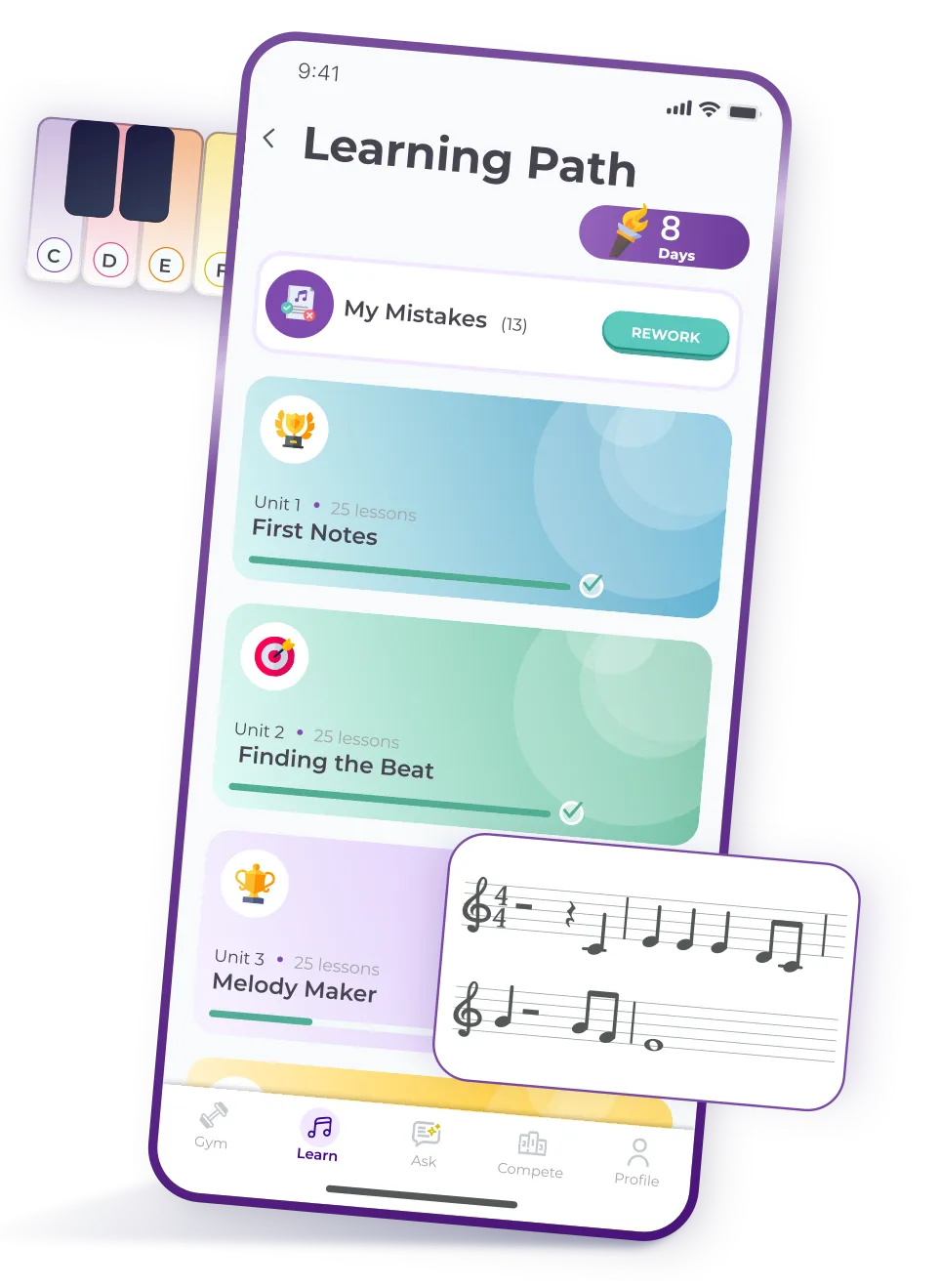




Start understanding and making musicStart understanding and making music
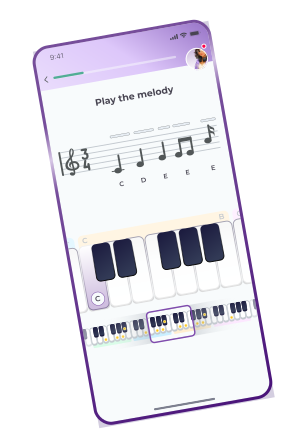
Learn notes, explore chords, practise rhythm and play short melodies on your screen. Talented connects step-by-step lessons with focused practice and help when you need it.
Get the App


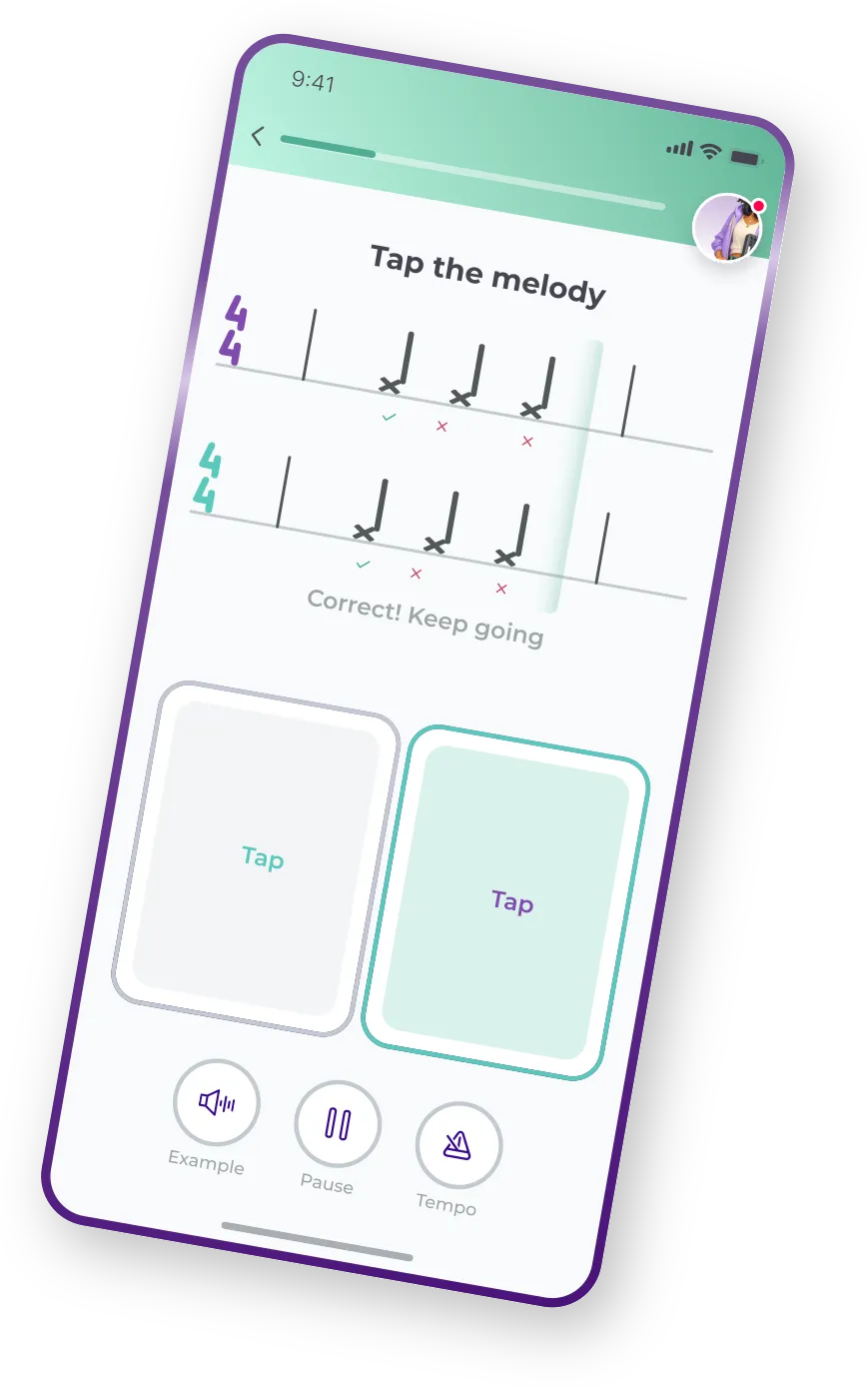


Notes, rhythm, intervals, chords and melodies make more sense when you practise them together. Talented helps you explore these foundations through explanations, listening tasks and an on-screen keyboard.
Choose a manageable session: a lesson, a few exercises or a review of one difficult topic. Use examples and the tempo controls available in an exercise. There is no fixed daily duration that guarantees a learning result.
.png)
Follow a sequence of lessons where new topics build on earlier ones. Start with the basics or use an available level check to find a suitable starting point. Optional practice branches let you spend more time on selected topics.
.png)
Work on melodies, intervals, chords, rhythm or sight-reading. Talent Gym becomes available through in-app unlocks, and its exercises progress through Steps. Talent Tree unlocks features; it is not a measure of instrument-playing ability.
.png)
Once you unlock My Mistakes, return to exercises saved from supported lesson types. Use it to revisit what needs attention. How an exercise is repeated and removed depends on its type; one session does not necessarily clear every mistake.
.png)
After a lesson, use the available next-step action to continue along Learning Path or open practice appropriate to your progress. You can also return to an earlier lesson before moving on.
.png)
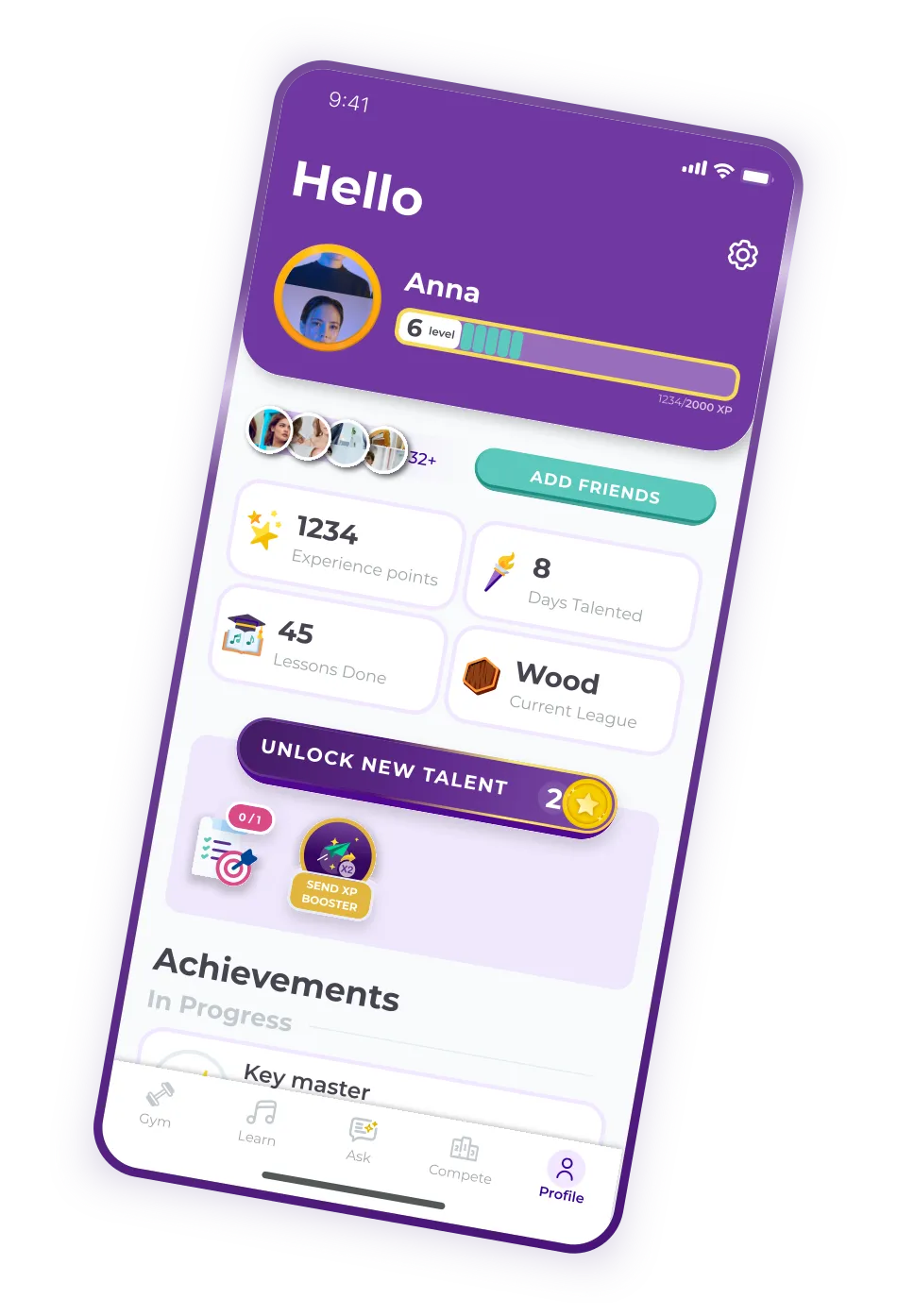
Follow completed lessons, exercise results, XP, achievements and your streak. Daily Goals offer additional practice targets as they become available. Use these signals to plan your next session and notice which tasks need another try.
.png)

Email support@talentedmusicapp.com. To report a technical problem in the app, shake your phone on a supported screen and submit a report. A screenshot and technical details are attached when you send it. If the report form is unavailable, contact support.
Premium learning requires an active subscription or eligible trial.
Get the App







.png)